Automatic progression
Hit the top of the rep range on every working set and the weight goes up by that exercise's step. Fall short and you retry, or drop back with a higher rep target. Deload weeks hold steady.
MinMax Tracker builds a 12-week periodized program around your goal, schedule and equipment. Log every set in a few taps and it works out what you lift next time. Your training stays on your phone.
Android testers join through Google Play. The iPhone beta runs on TestFlight: email us and we will send an invite. Coming to the App Store after the beta.
Program generator
Pick a goal, a schedule and the equipment you have. MinMax builds a periodized plan with deload weeks, rotating variations and intensity techniques. The same answers always build the same program, and a shuffle gives you fresh exercise picks.
Prefer to write your own? Open a starting template, start from a blank program or import one. Every template opens as an editable draft, so your active program and history are never touched until you publish.
Logging and progression
Every set row shows what you did last time and comes pre-filled with today's target. Tick a set and the rest timer starts on its own. When you finish, MinMax decides each exercise's next weight.
Hit the top of the rep range on every working set and the weight goes up by that exercise's step. Fall short and you retry, or drop back with a higher rep target. Deload weeks hold steady.
It starts when you complete a set, uses each exercise's rest time, and stays on screen while you scroll. Pause it, add or take off 30 seconds, or skip it.
Warm-ups, extra sets, lengthened partials, drop sets and myo-reps. Add notes to a set, log a substitution, and use the plate calculator to load the bar. In kg or lb.
Weight, rep, volume and estimated one-rep-max records are detected when you finish a workout and kept on a PR board.
Strength curves and estimated 1RM trends per exercise, weekly volume by muscle group, and a full history you can edit after the fact.
Log body weight, muscle mass and waist. The trend is smoothed with a 7-day average so one salty meal doesn't hide the direction.
Fight coach
Boxing, Muay Thai and kickboxing rounds with a recorded coach calling combinations live. Every call is stance-neutral, so it works for orthodox and southpaw.
Exercise library
More than 120 exercises have their own illustration, each checked for form, and most show the start and end of the movement so you can see the range of motion before you load the bar. Working muscles are highlighted.
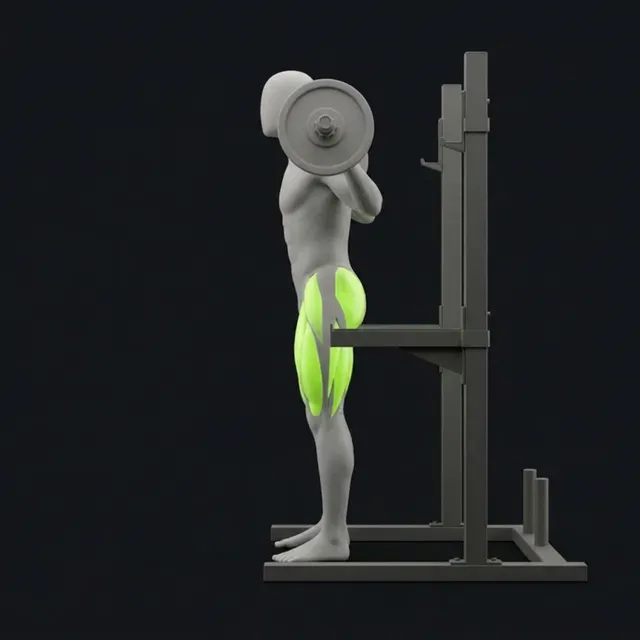
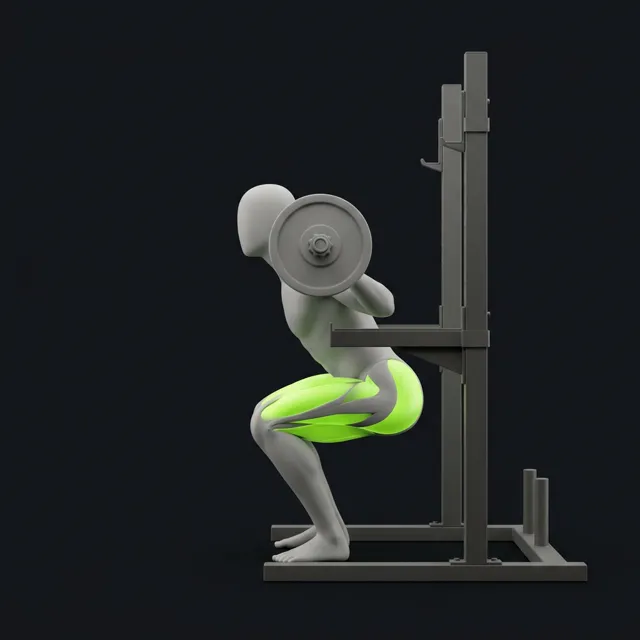
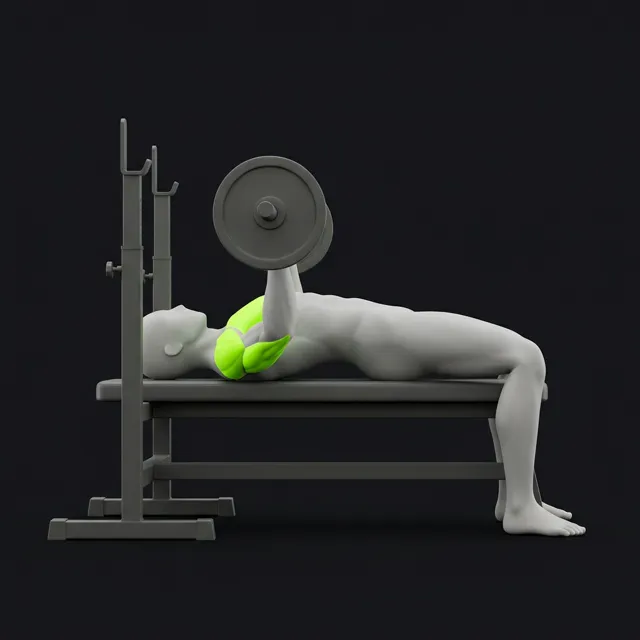
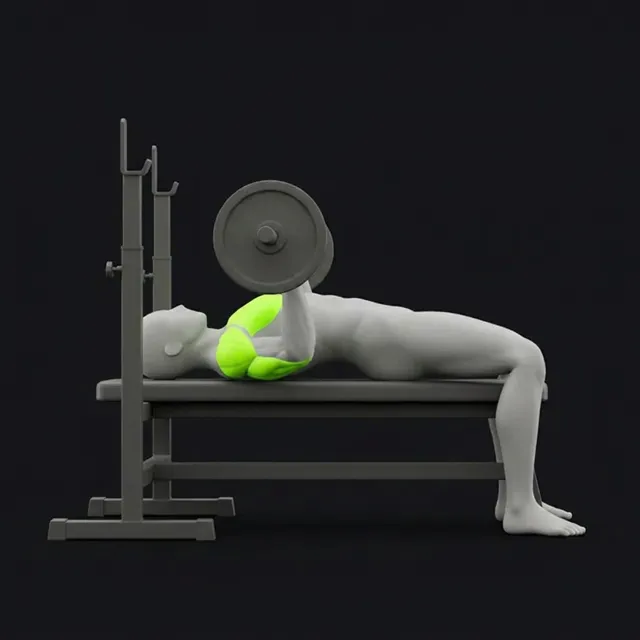
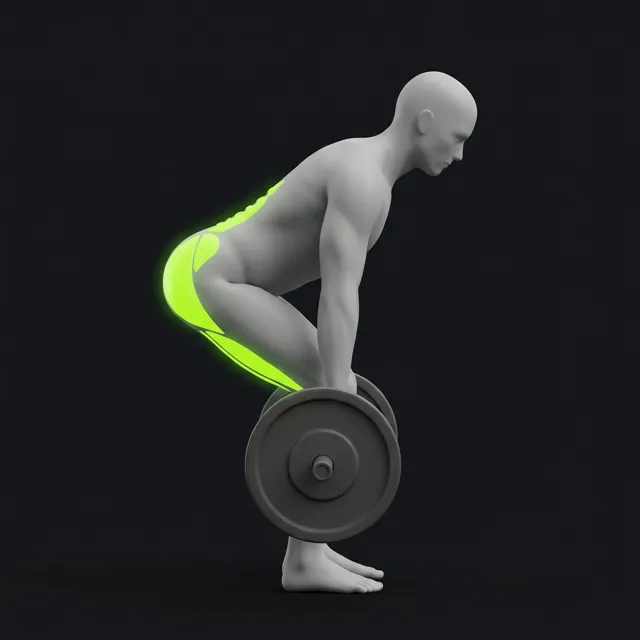
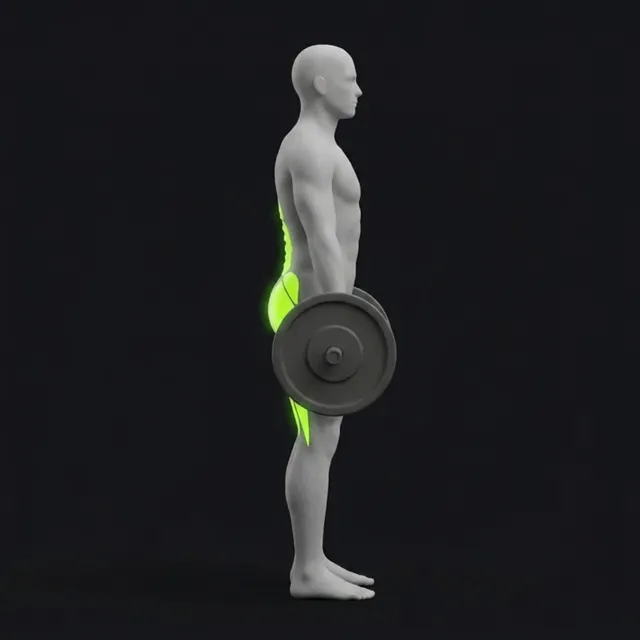
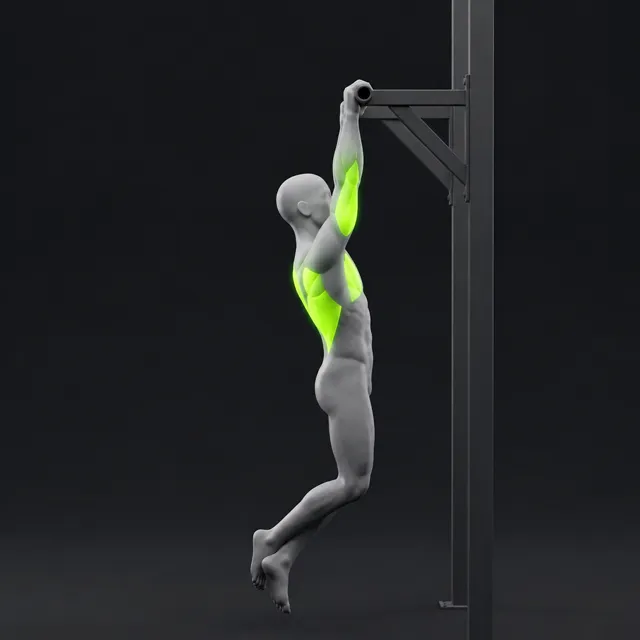
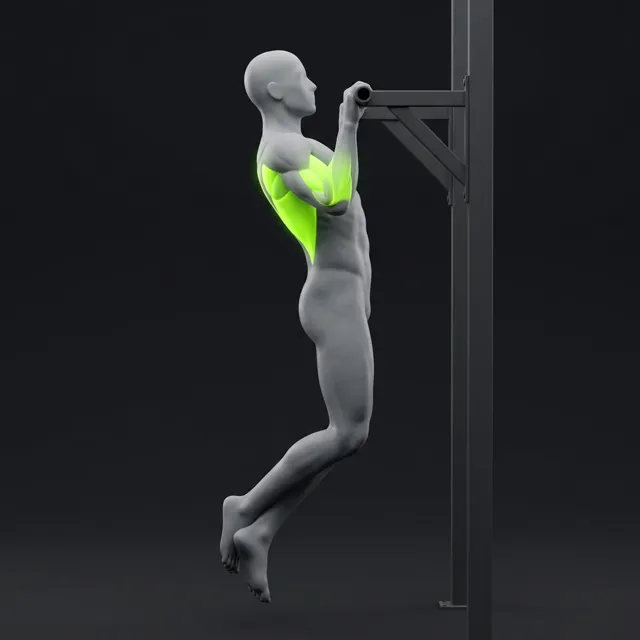
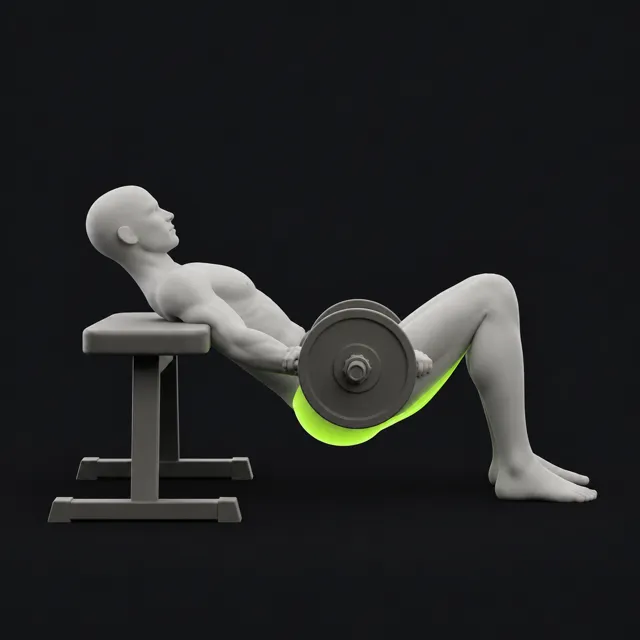
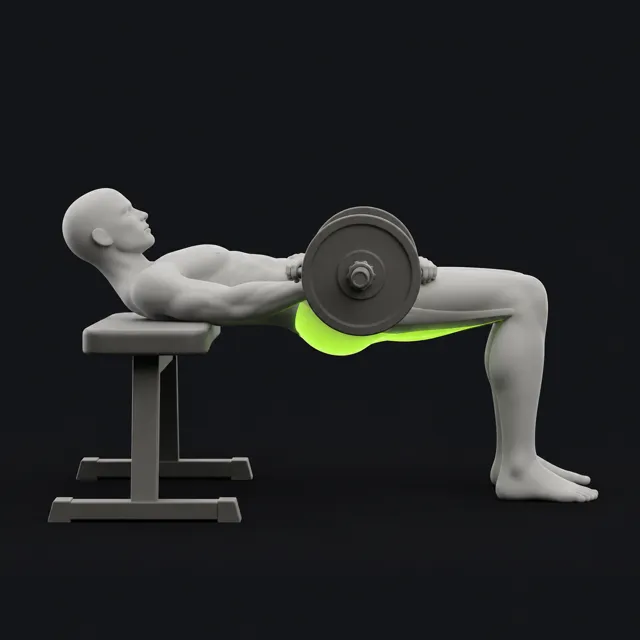
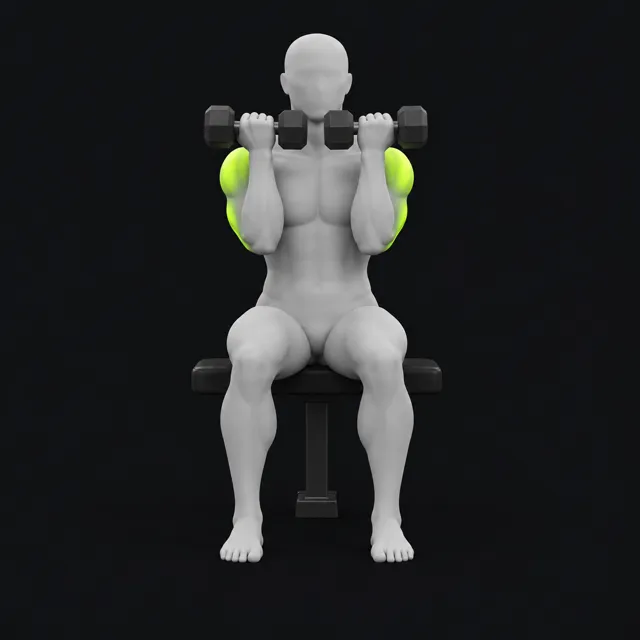
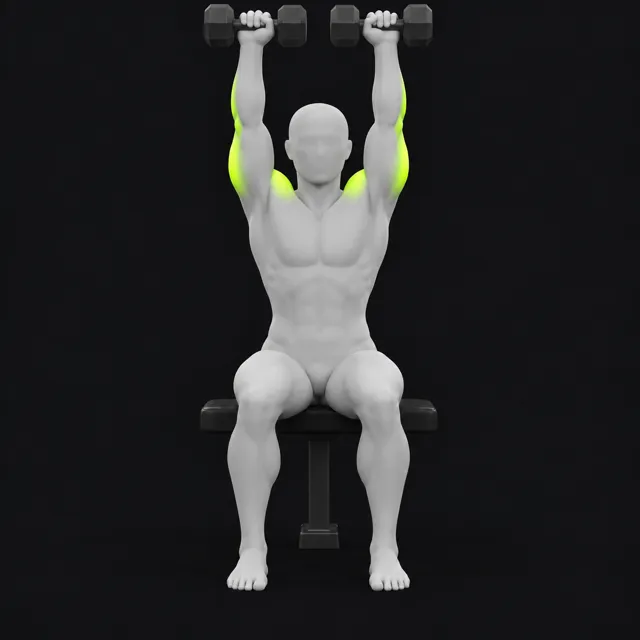
Illustrations from the app. With reduced motion turned on, hover or focus an image to see the other end of the rep.
Local-first
On iPhone and Android, your workouts, programs and records are stored on the device and are not uploaded to our servers. Once you're signed in, it works without a connection, in the basement gym or on a plane.
No advertising or analytics SDKs. No location, contacts, photos, microphone or camera. Your data isn't sold, shared with advertisers or used to track you.
Export a full JSON backup and restore it later, export your workouts as CSV, or import body weight from a CSV file.
Erase your training data or delete your account from Settings. Signing in uses an email and password, handled by our sign-in provider, Clerk.
Read the full privacy policy.
FAQ
MinMax Tracker is in a Google Play testing track. Open the tester link while signed in to Google Play, accept the invitation, then install it from the Play Store. If the link says you don't have access, email us with your Google account address and we'll add you.
Yes. The iPhone beta runs on Apple's TestFlight. Email us for an invite. It will come to the App Store after the beta.
Yes, you sign in with an email and password. On iPhone and Android your training data still stays on the device and is not uploaded.
Yes. Once you're signed in, workouts, the rest timer, programs, charts and the fight coach all run on the device.
Export a backup file from Settings → Data and import it on the new phone. Importing keeps what's already there, adds new rows, and refuses the whole file if anything conflicts, so a bad import never half-applies.
No. The coach is pre-recorded and only plays audio. The app doesn't ask for microphone access.
Join the beta on Android today, or ask for an iPhone invite.